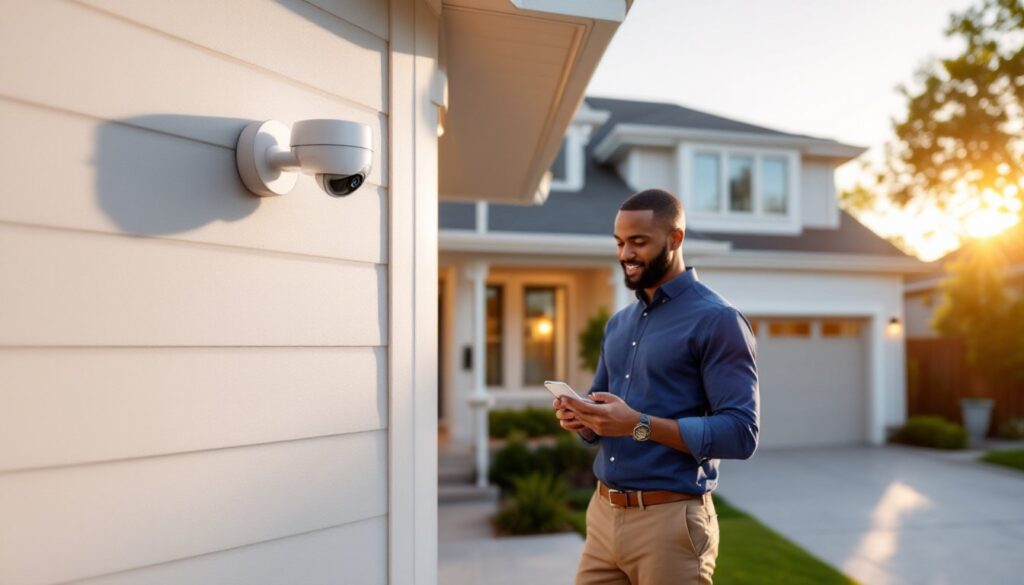
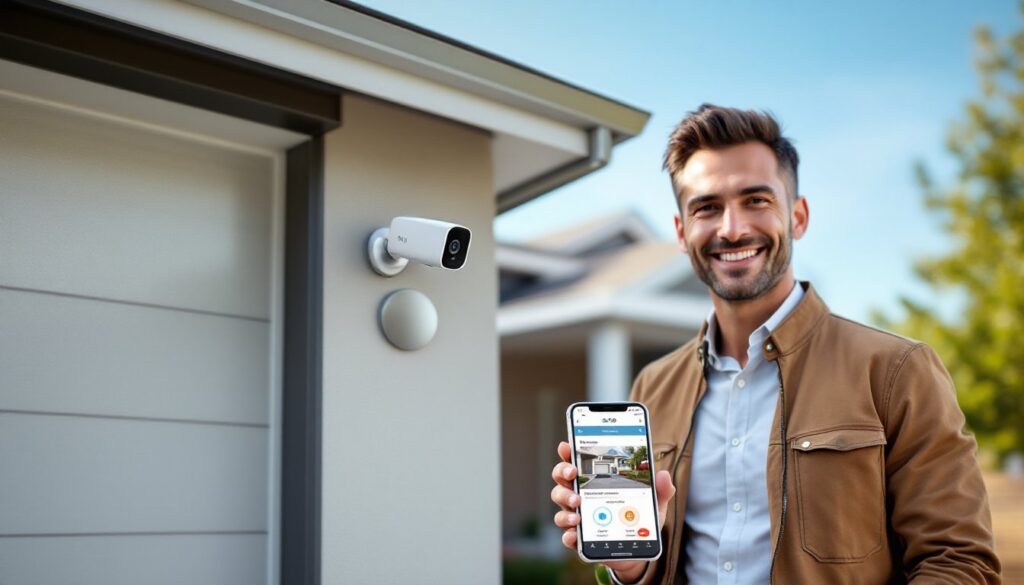
Home security has shifted from expensive professional systems to affordable, DIY-friendly options that any homeowner can install and manage. Whether you’re protecting your front door, monitoring your backyard, or keeping an eye on indoor spaces, the right security camera system gives you peace of mind without requiring a costly contract. This guide walks you through what makes a great home security camera, the key specs to compare, and the top types available today, so you can choose the setup that actually matches your home and budget.
Table of Contents
ToggleKey Takeaways
- The best security camera for home combines sharp video quality (2K or 4K for face identification), reliable night vision, and smart motion alerts that filter false alarms.
- Resolution, night vision, field of view, and two-way audio are the four core pillars to compare when choosing a security camera system that matches your needs.
- Video doorbells are the easiest DIY installation option and capture the most critical footage of who approaches your front door, making them the ideal starting point.
- Cloud storage requires monthly subscriptions ($3–$10 per camera), while local SD card storage eliminates recurring fees and keeps your footage private.
- A hybrid approach combining a video doorbell, one to two outdoor battery cameras, and optional wired recording provides flexible coverage and continuous peace of mind.
- Verify Wi-Fi signal strength, camera mounting height (8–10 feet minimum), storage requirements, and weather ratings (IP67 or higher) before installation to ensure optimal performance.
What Makes a Great Home Security Camera
A solid home security camera does more than just record video. It needs to deliver reliable footage when you need it, alert you to motion in real time, and make reviewing footage painless. The best models balance image quality with usability, they work in low light, cover a wide area, and let you access feeds from your phone without fumbling through complicated apps.
Four pillars matter most: video quality that’s sharp enough to identify faces and packages, night vision that doesn’t turn your yard into a grainy mess, motion detection that triggers alerts without constant false alarms, and easy two-way audio so you can talk through the camera. Add strong privacy controls and flexible storage options (cloud, local, or both), and you’ve got the foundation for a security camera system that earns its place on your home.
Key Features and Specs to Compare
Before you buy, nail down what actually matters for your situation. The best security camera for one homeowner might be wrong for another, so compare these core specs side by side.
Resolution, Night Vision, and Field of View
1080p resolution is the baseline for recognizing general activity, but if you want to identify faces, license plates, or package labels clearly, step up to 2K or 4K. The jump in file size is real, but so is the detail when you need it.
Night vision comes in two flavors: infrared (IR), which shows the world in grayscale using invisible light, and color night vision, which uses AI and a larger sensor to show real colors in dim conditions. IR works everywhere but looks like a movie from the 1990s: color night vision looks better but needs some ambient light.
Field of view (FOV) is the width your camera sees. A typical outdoor camera covers 130° to 160°, which means fewer blind spots. Indoor cameras often sit at 90° to 110°. Wider is usually better, but check that it doesn’t create excessive distortion at the edges.
Smart Features and Connectivity Options
Motion alerts save your sanity by filtering out wind-blown leaves and car headlights, using smarter detection like “person” or “package.” Two-way audio lets you talk to visitors or delivery drivers without opening the door. App-based live view should load fast and work over cellular, not just Wi-Fi, or it’s useless when you’re away.
Storage matters more than people think. Cloud storage is convenient but typically requires a monthly subscription (usually $3–$10 per camera). Local storage on an SD card or attached drive removes the subscription and keeps your footage private. Some models offer both options, letting you choose based on your comfort level.
Smart home compatibility with Alexa, Google Assistant, or Apple Home is handy but not essential. Wi-Fi cameras are standard indoors and in places where running cable is a pain. PoE (Power over Ethernet) cameras and wired systems offer rock-solid connections and continuous recording, but they demand more setup labor.
Top Security Camera Types for Different Home Needs
Different areas of your home call for different tools. Indoor security cameras are compact and designed to blend in, making them ideal for living rooms, nurseries, or pet monitoring. Outdoor cameras are the workhorses, weather-sealed, mounted high, and built to deter intruders just by being visible.
Video doorbells have become the DIY favorite because they’re the easiest to install (many use existing doorbell wiring) and they catch the most important footage: everyone who approaches your front door. If you install one camera this year, make it a video doorbell.
Floodlight cameras pair a bright LED with a camera body, replacing your existing outdoor light. They’re excellent for driveways and yards, the brightness itself deters some thieves, and the camera captures everything it illuminates. The tradeoff: they demand a dedicated power circuit, so installation is more involved.
Wired systems offer continuous recording and don’t rely on Wi-Fi, making them the most reliable for 24/7 monitoring. They typically run coax or Ethernet cable to a recorder. Setup takes time, but once in place, they’re bulletproof. Battery-powered or solar-powered cameras offer the flexibility to go anywhere, though you’ll manage charging schedules or rely on good sunlight. Many people land on a hybrid approach: a video doorbell for the entry, one or two outdoor battery cameras for flexible coverage, and maybe a wired recorder for continuous peace of mind.
Installation and Setup Considerations
Before you mount anything, check your Wi-Fi signal strength at the planned camera location using a smartphone. A security camera far from your router will drain your bandwidth and drop frames. If your signal is weak, consider a mesh network, a range extender, or moving to a wired setup.
Mounting height matters. Place outdoor cameras at least 8–10 feet high to deter tampering and to capture faces at eye level rather than looking down at the top of someone’s head. Clear away branches or obstacles that block the view.
For plug-in and wired models, locate a nearby outlet or plan a low-voltage wire run. Some cities require a permit for outdoor electrical work, so check your local codes before digging or drilling holes in your home’s exterior.
Verify storage requirements upfront. If the camera requires cloud storage and you don’t want a subscription, make sure local storage (SD card or USB drive) works as a standalone option. Review the encryption and privacy settings, reputable brands use strong encryption for remote access, not all do. Motion sensor security cameras remain a popular choice because they trigger recording only when movement is detected, reducing storage strain.
For outdoor cameras, confirm the weather rating (IP67 or higher is ideal for full weatherproofing). Test the app and live view before you commit, a beautiful camera that’s a pain to use isn’t worth the install. Many manufacturers offer 30-day trial periods: use that time to make sure the system actually works for you. Brands like Eufy security cameras are known for straightforward setup, while Tapo security cameras offer budget-friendly options with solid local storage. If you want a professional-grade setup, Vivint security cameras integrate with 24/7 monitoring services.
Conclusion
The best security camera for your home comes down to location, recording style, and privacy priorities. A front-door video doorbell pairs well with one or two outdoor battery cameras for flexible coverage. Add a wired recorder if you want continuous backup. Industry reviews consistently highlight SimpliSafe, ADT, Lorex, Blink, Eufy, TP-Link, and Ring as dependable choices, but your needs are unique. Hands-on testing from Tom’s Guide and Good Housekeeping can help narrow options further. Start with the camera that covers your most critical entry point, test it for a month, then expand if needed. Smart security is built incrementally, not all at once.